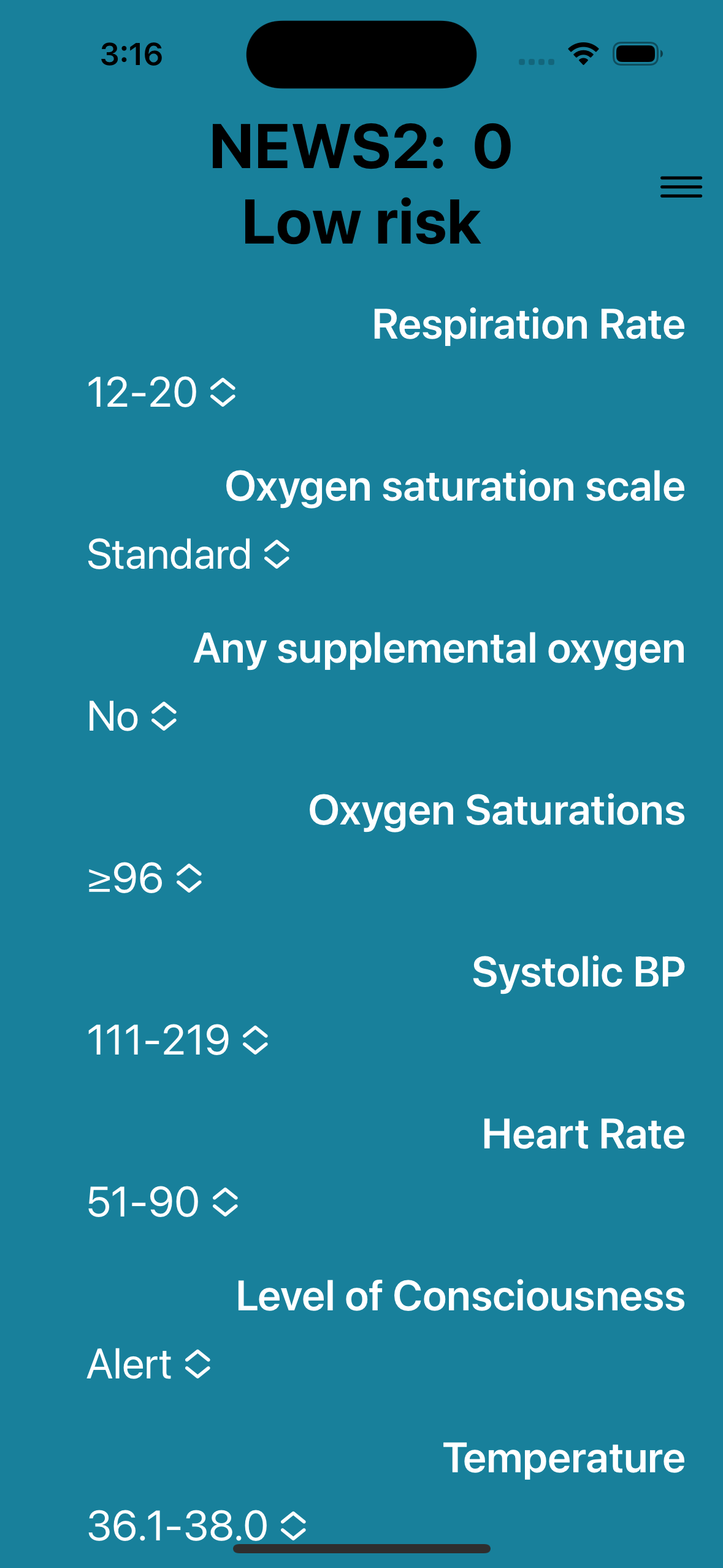
NEWS 2 calculator
Platforms:
Android
iOS


Simple data entry
Data is entered on a single screen using drop-down lists of values.
This allows a clear interface to be maintained when using larger font sizes
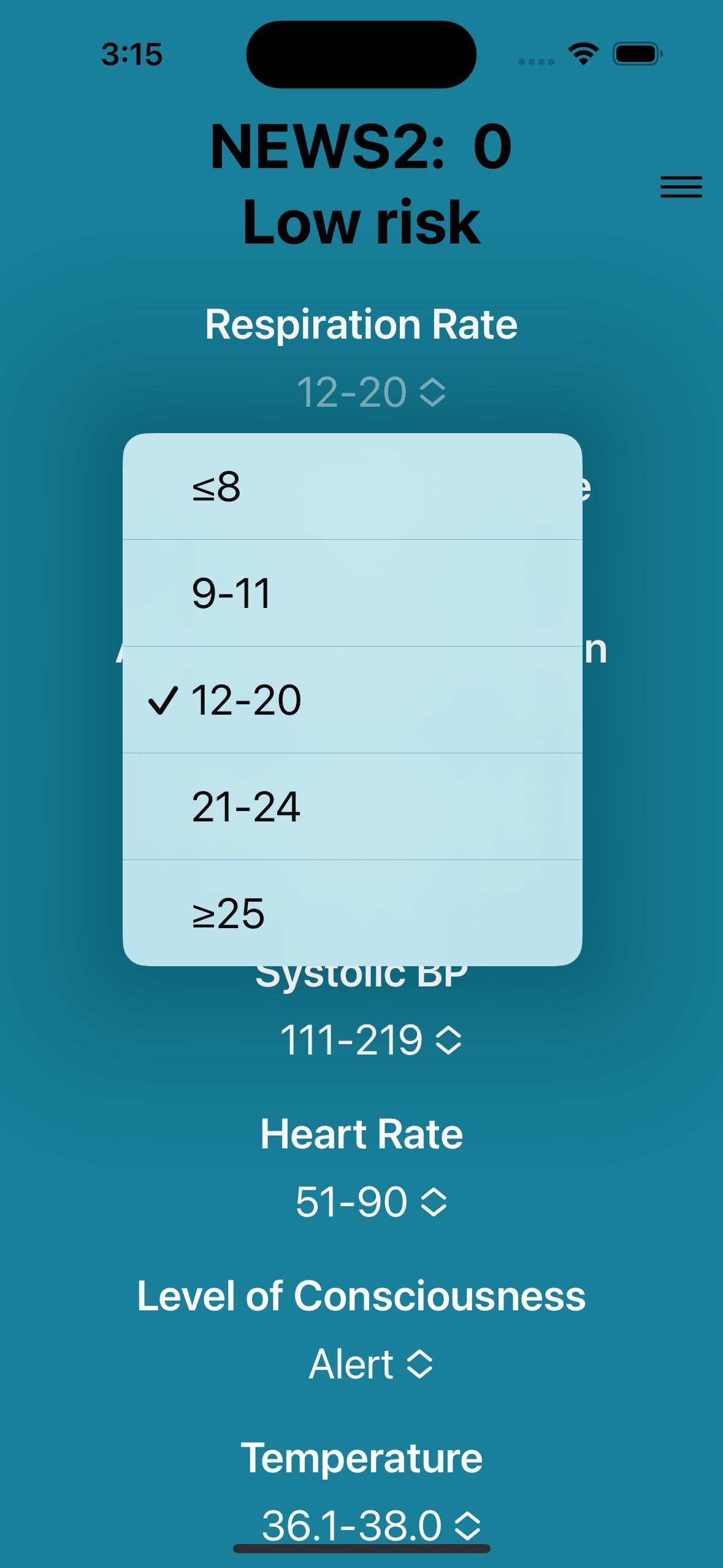
Instant update
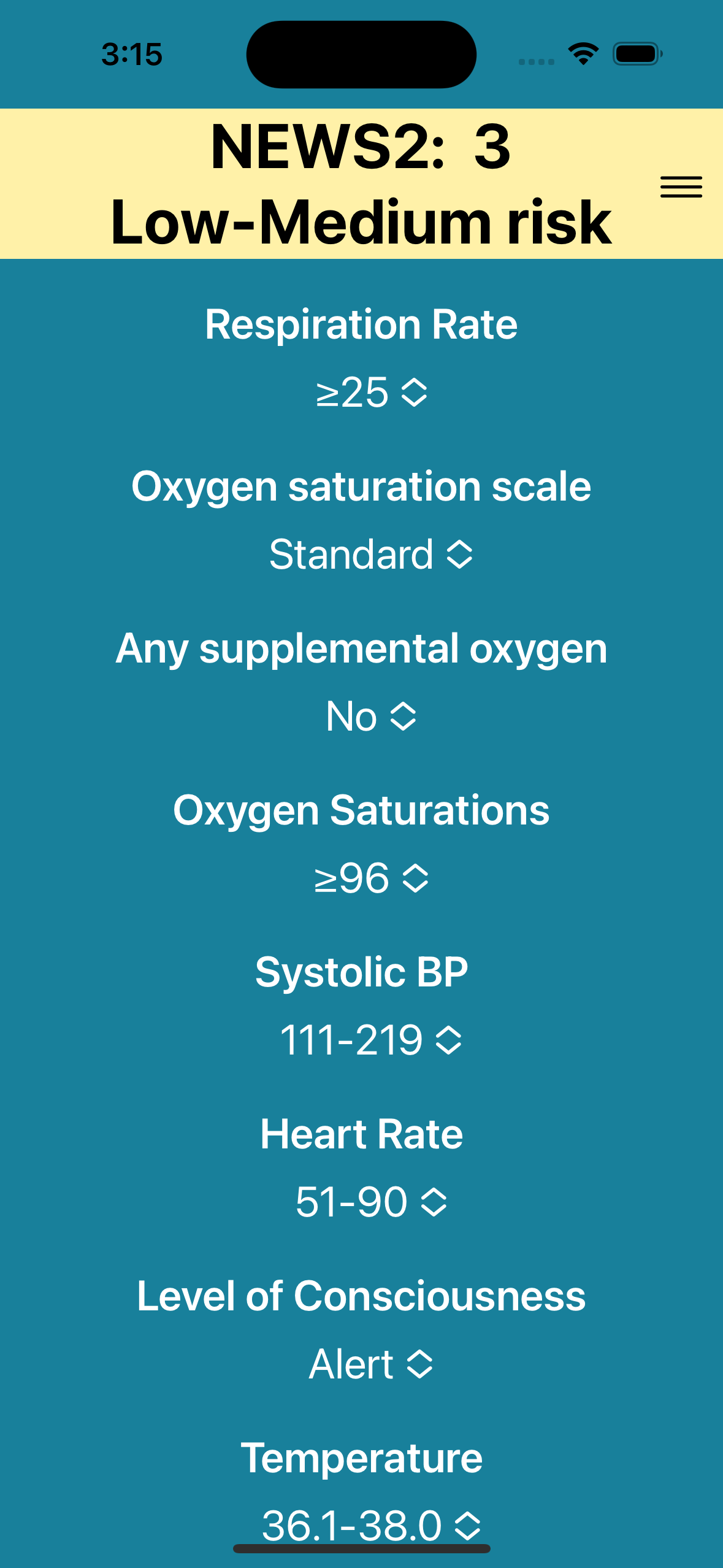
As you select the values for each parameter the score instantly updates.
The NEWS score and the risk level are shown at the top of the screen= with haptic feedback when the risk level changes.
The header colour changes to match the risk level, following the colour scheme in the Royal College of Physicians guidance.
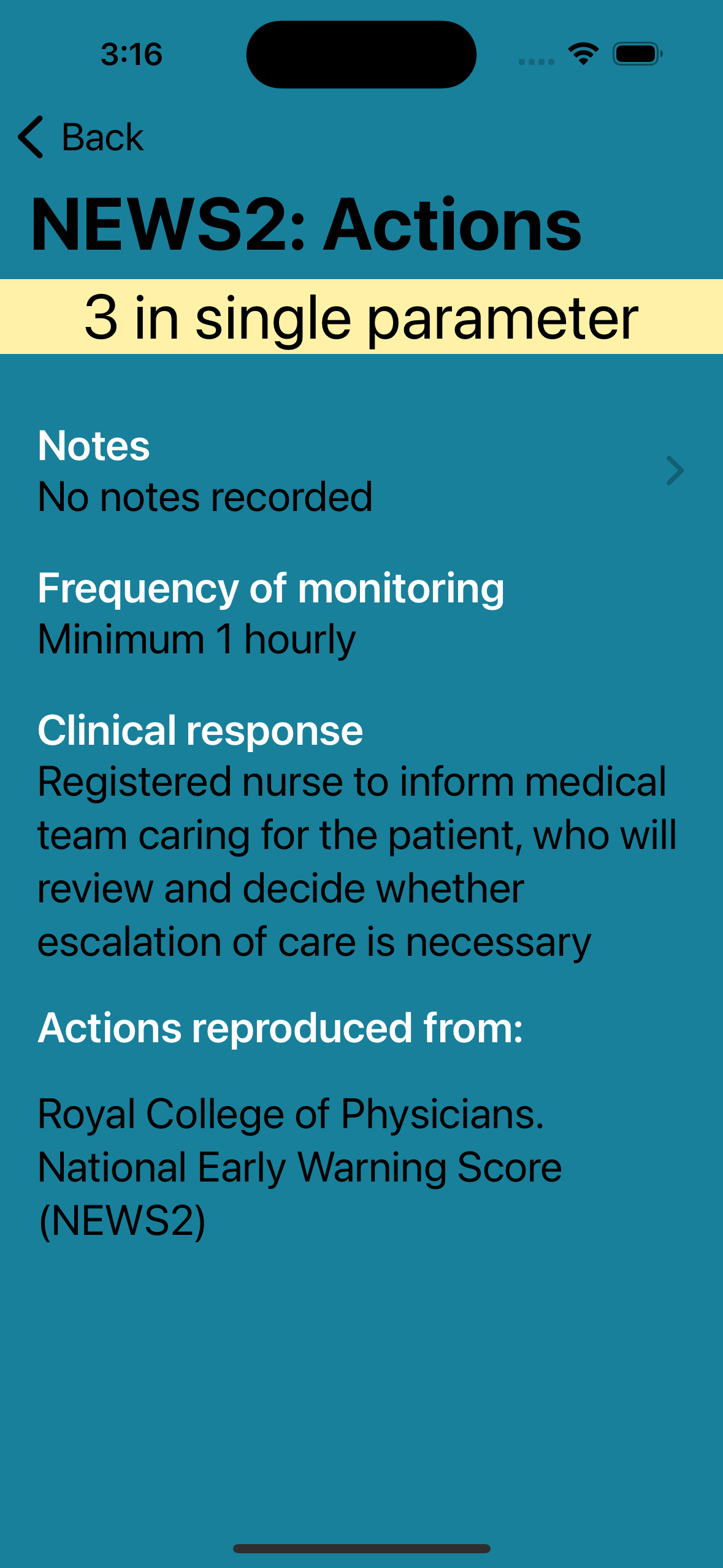
Actions
Tapping the NEWS score takes you to the recommended actions. Included in this our any notes you have added.
Notes
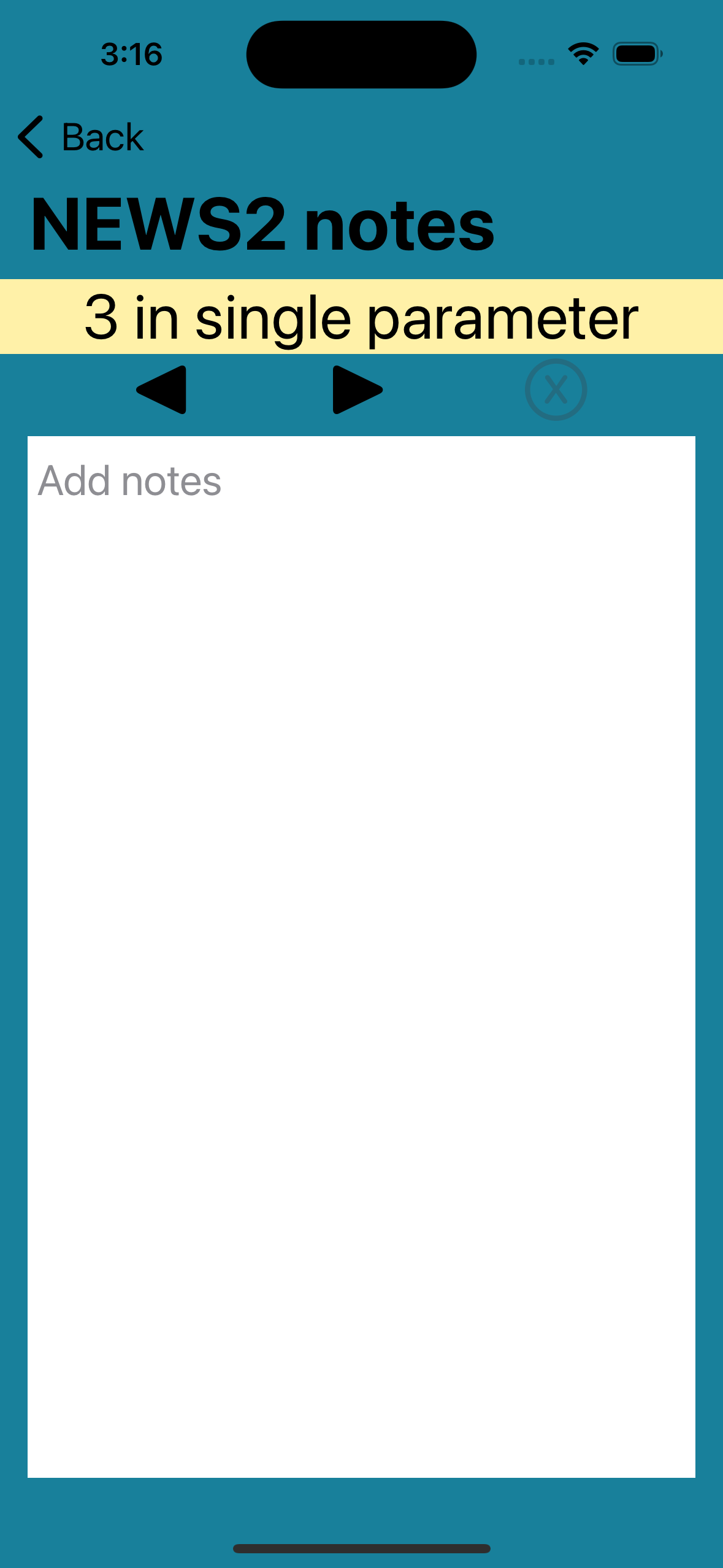
You can add notes to each risk level of the NEWS score to fit with your local policy e.g. contact numbers for people you may need to call
Customise the controls
You can set the controls to be on the left or right side or to be central, enabling the most comfortable one-handed usage of your device.